View on seller's websitePrices and availability are updated daily. Please confirm on the seller's website before buying.
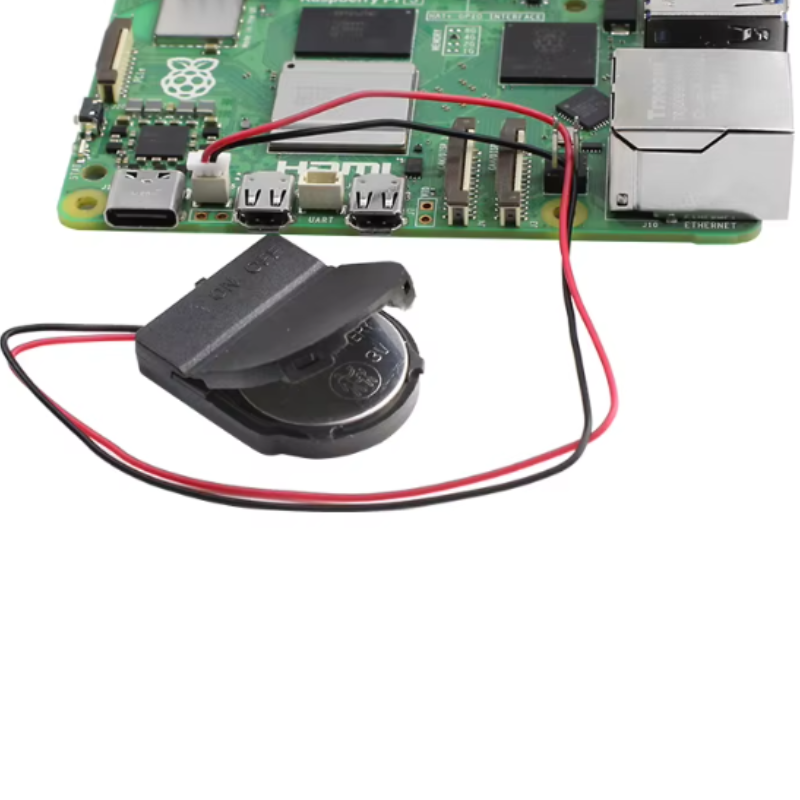
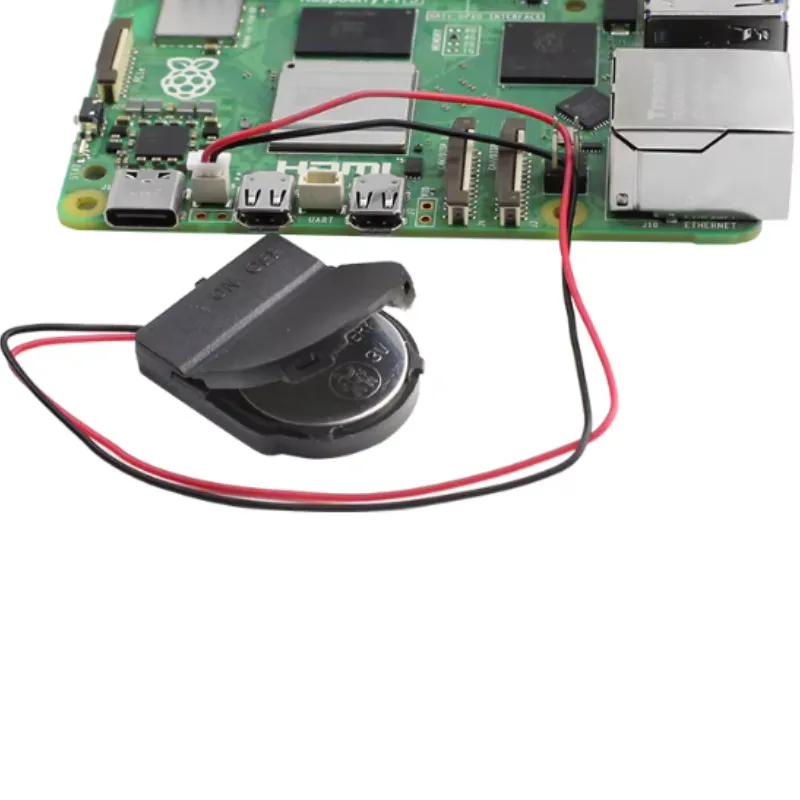
Raspberry Pi 5 Real-time Clock Battery case RTC Battery Powered JST Connector CASE ONLY NO BATTERY
DZD 500
View on seller's websitePrices and availability are updated daily. Please confirm on the seller's website before buying.
Description
Description
Raspberry Pi 5 Installation RTC Battery and RTC Battery Charging Tutorial:
Step 1: Install the battery in the battery box. The battery model can be CR2032 without charging function or LIR2032 with charging function,Pay attention to the installation direction of the battery. Reverse installation may damage the raspberry pi
Step 2: Working With Raspberry Pi 5
Connect it to the slot next to the power typec
Step 3: Power up Raspberry Pi5
Step 4: Enter the Raspberry Pi system terminal. Add the RTC battery charging configuration for Raspberry Pi 5 in config.txt, which is only required for the LIR2032 battery version with charging function. Batteries without charging function cannot be equipped with this configuration. Otherwise, it will damage the battery
Step 5: To prove that the RTC battery is working. Turn off the Raspberry Pi5 and unplug the power. In a few minutes. Turn on the system again. Observe if the Raspberry Pi system time is updated.
If the RTC battery is not powered. The Raspberry Pi system time will remain unchanged during power outages
If the RTC battery is successfully powered. The system time will be updated